Notifications & Global Search
Notifications
The Notifications entry (bottom of the sidebar) opens the service-message center: product news, maintenance notices, and account messages from Dalga.
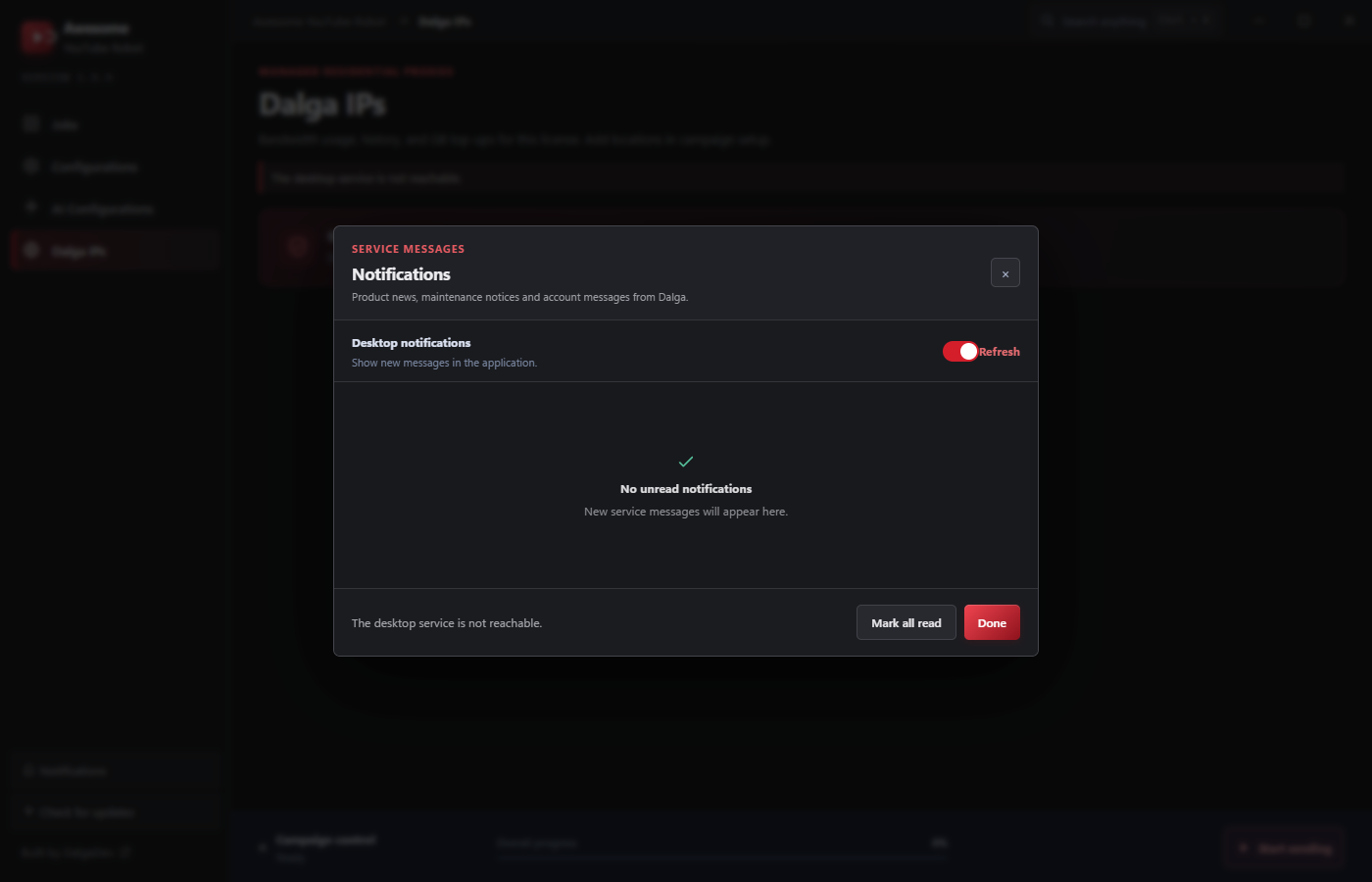
- Desktop notifications: toggle whether new messages surface in the application.
- Refresh re-checks; Mark all read clears the unread state.
Check it periodically for release notes and important account messages.
Global search
Press Ctrl + K (or the Search anything button in the title bar) to open the command palette, a fast way to jump anywhere or start an action:
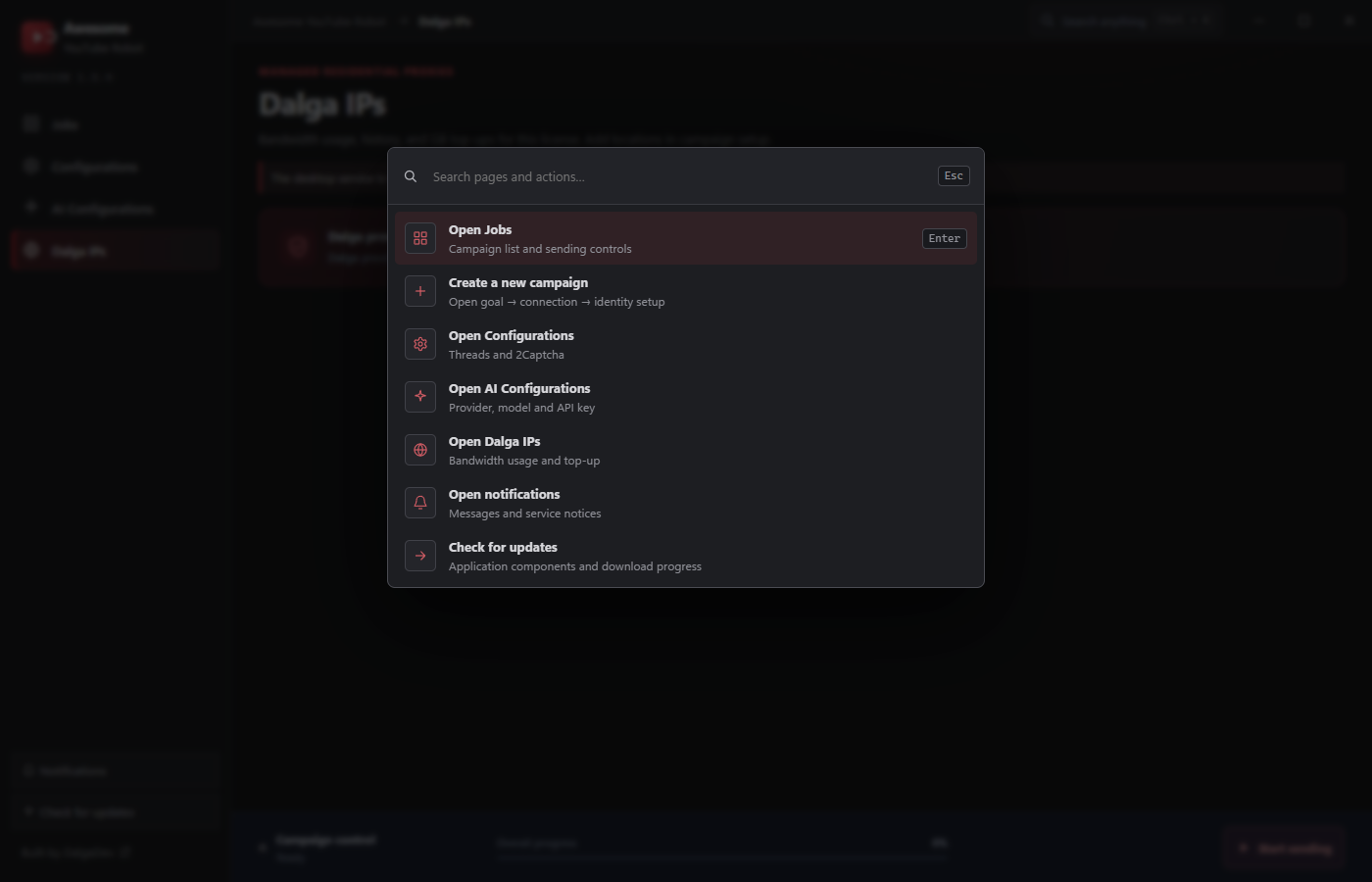
From the palette you can Open Jobs, Create a new campaign, Open Configurations, Open AI Configurations, Open Dalga IPs, Open notifications, or Check for updates, without hunting through the sidebar.