Threads & Capacity
AYB runs your campaigns on threads: background workers, each driving exactly one browser or Android emulator. With 5 threads the app can run 5 videos at once, so thread count sets how many simultaneous viewers you send.
Threads are configured globally on the Configurations page.
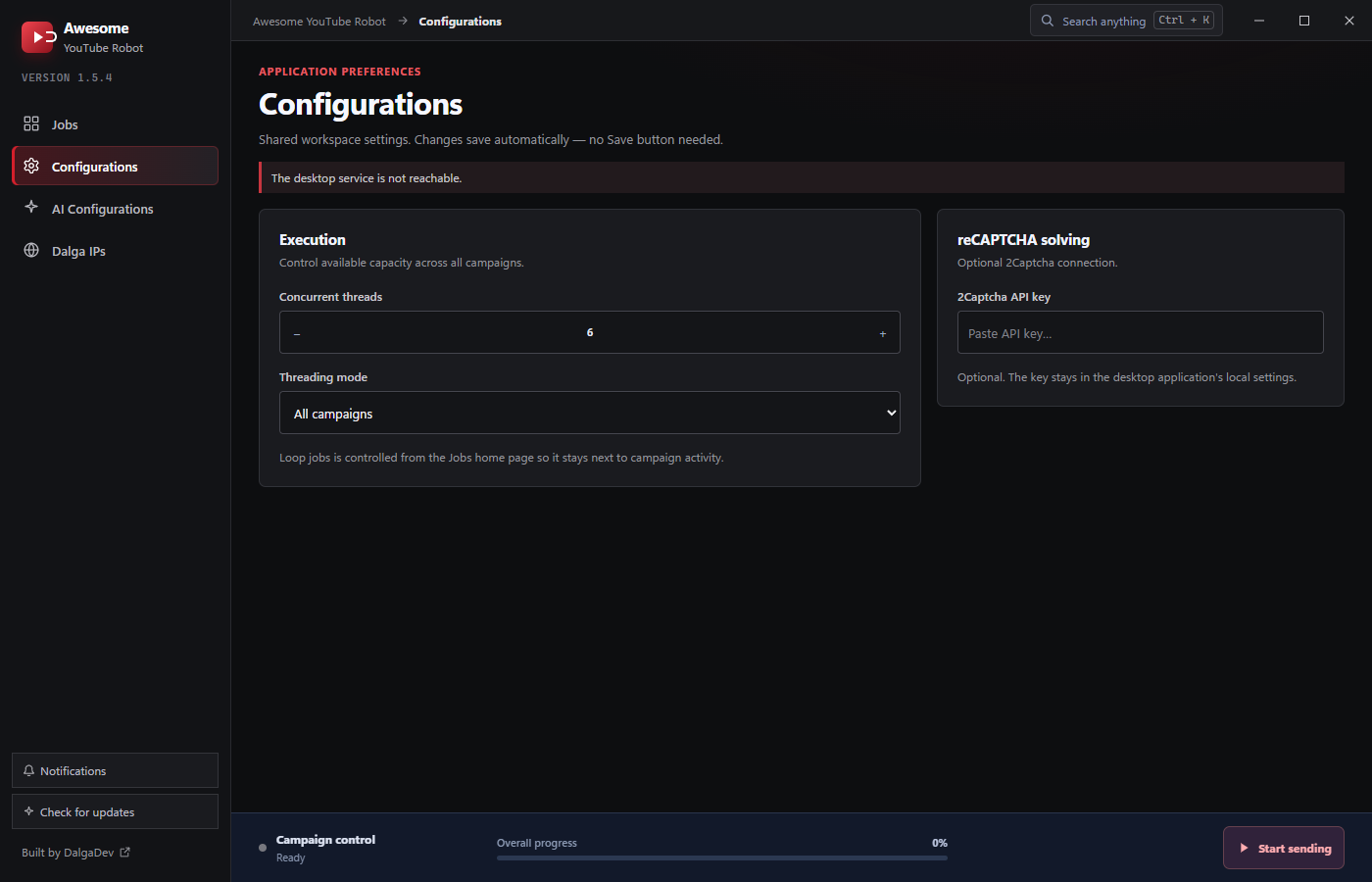
Concurrent threads
The Concurrent threads stepper sets how many browsers/emulators run at the same time across all campaigns, from 1 to 100 (the panel opens at 6). Raise it for more throughput; lower it if your machine struggles. Browser threads are lighter than emulator threads, which each behave like a full virtual device, so the practical ceiling is much lower when you run emulators.
Threading mode
- All campaigns: threads work through every campaign together.
- Split by campaign: campaigns are distributed across threads, so each thread focuses on its own campaign.
Loop jobs
Whether finished campaigns automatically restart is controlled by Loop jobs on the Jobs home page (kept there so it sits next to campaign activity), not on the Configurations page.
Sizing tips
- Start conservative (the default is a handful of threads) and increase while watching RAM/CPU.
- YouTube playback is memory-heavy; 16 GB RAM comfortably supports more browser threads than 8 GB.
- Emulators are the heaviest option. Run far fewer emulator threads than browser threads.