Multi-Device Management
One ATB license can cover several Windows machines, and the control panel can manage all of them from one place.
Devices
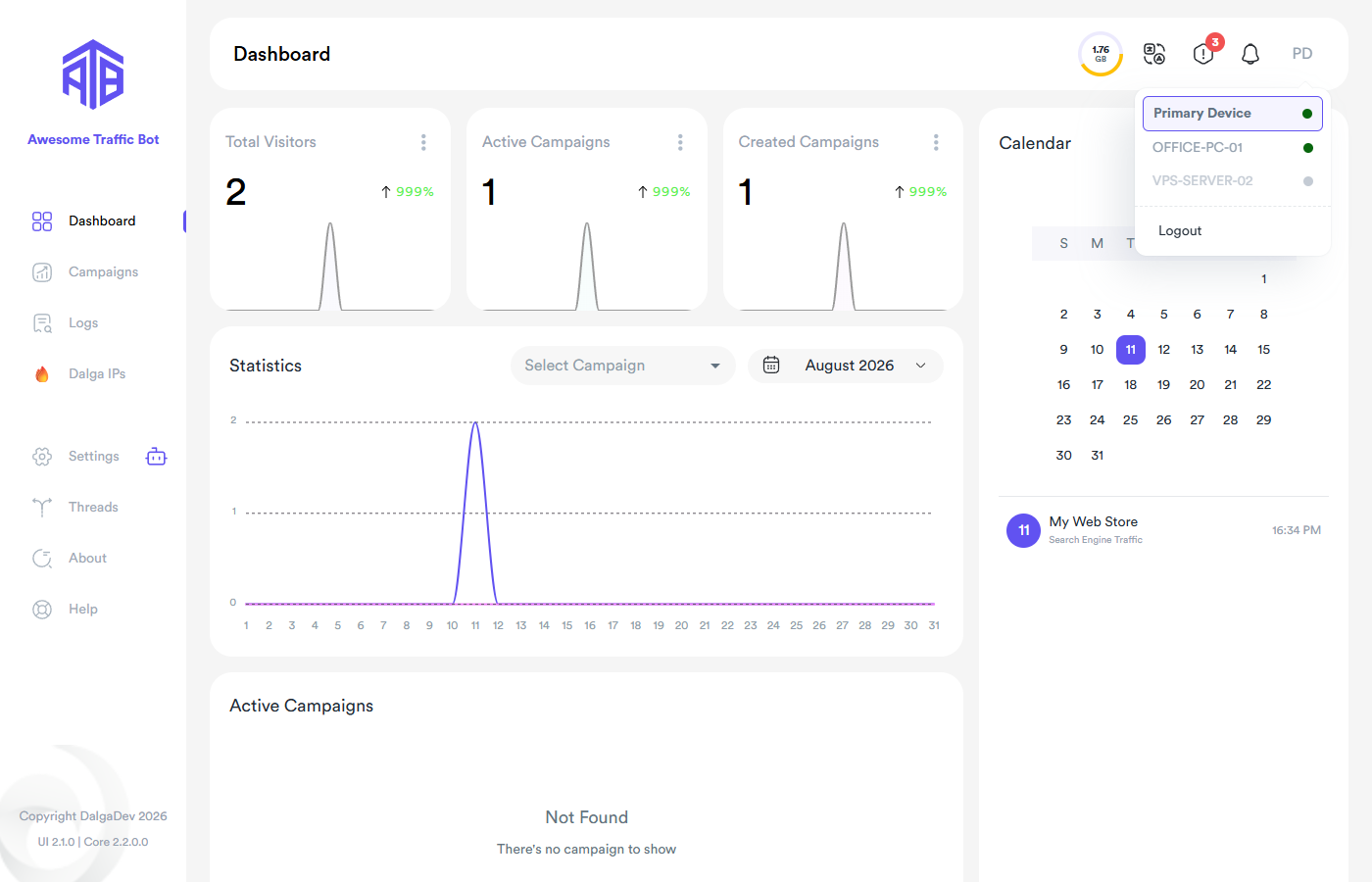
Every installation registers as a device with a name (editable under Settings → License → Device Name). The account menu (top-right avatar) lists your devices — the primary device is the one your panel opens by default; click another device to control it instead.
Device sharing & administrator
Two switches under Settings → Features & Actions define the topology:
- Enable device sharing — makes this device controllable by your other devices.
- Set this device as administrator — makes this device the controller that can manage the other shared ones.
With sharing on, campaign actions gain cross-device variants — e.g. create & run on all devices or on selected devices — and updates can be pushed to other devices from the Update Center ("quick update other devices").
Tunneled access
Devices that aren't on your local network can be reached through a secure tunnel — the panel marks tunneled devices and asks for your consent before enabling tunneled connectivity.
Moving a license
To move ATB to a new machine: Settings → License → Remove This Device From The License Key on the old machine, then activate normally on the new one.