Random Act
Random act makes a visitor browse YouTube like a real person: watching recommended, trending, Shorts, or keyword videos, instead of doing exactly one thing and leaving. It's one of the most effective ways to make automated sessions look organic.
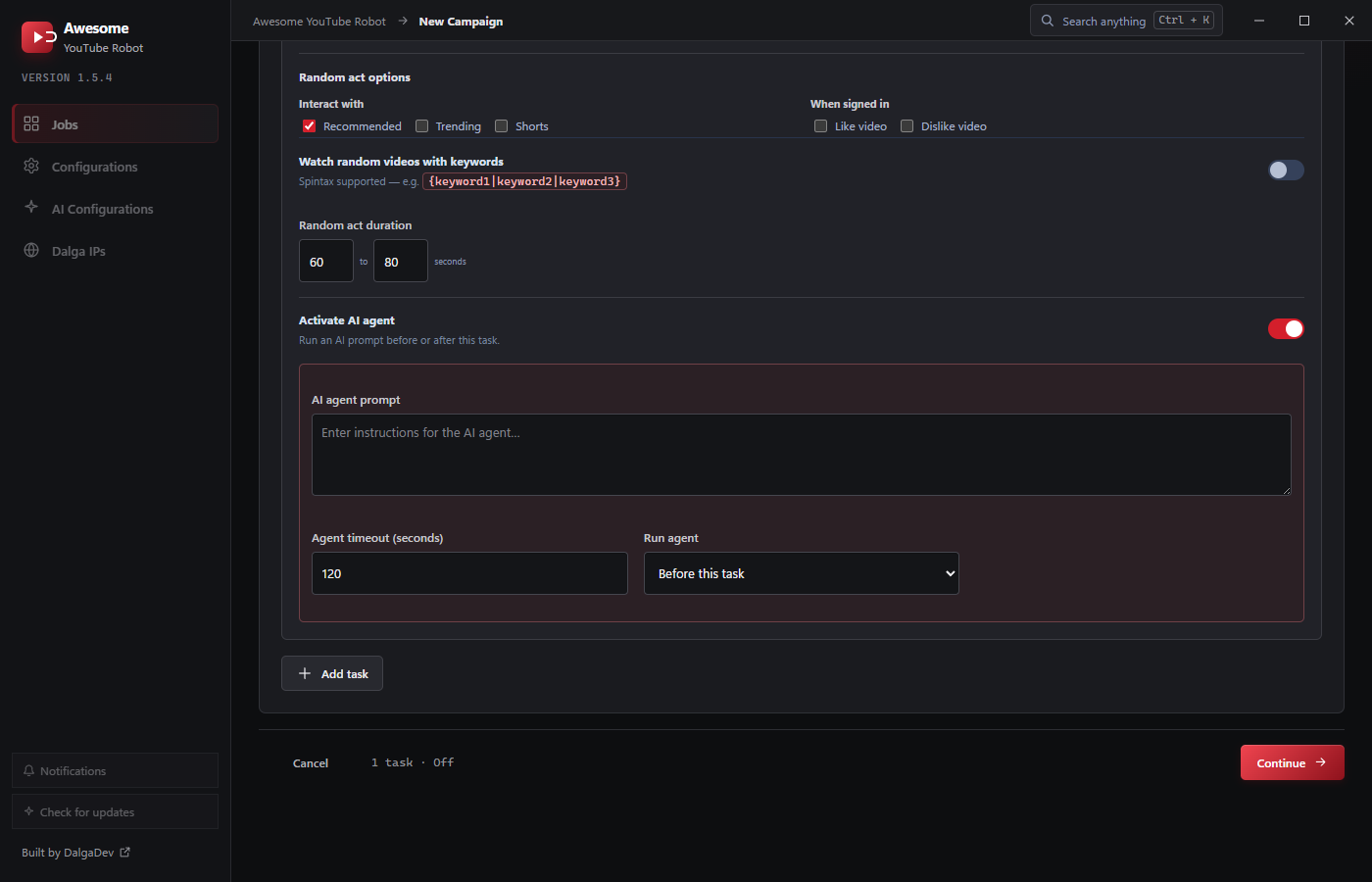
Two ways to use it
- As a job mode: a whole task whose only job is to browse randomly. Great for aging/warming up accounts before they like or subscribe.
- Around another task: toggle Add random act around this task on any task so the visitor browses between that task's actions.
Options
- Interact with: Recommended, Trending, and/or Shorts: which feeds the visitor browses.
- When signed in: optionally Like video and/or Dislike video while browsing (only when an account is used).
- Watch random videos with keywords: browse videos matching keywords instead of feeds. Spintax is supported, e.g.
{cooking|baking|recipes}, so each visitor searches a random variant. - Random act duration: a From-To range in seconds for how long the browsing lasts (default 60-80s).
tip
Pair Random act with a Subscribe or Comment task: let the account browse recommended and trending videos for a minute, then engage. It looks far more like a real viewer who stumbled onto your channel.