Likes, Comments & Subscribes
Beyond views, AYB can send real engagement signals. These job modes all sign into a YouTube account first, then act on the target video:
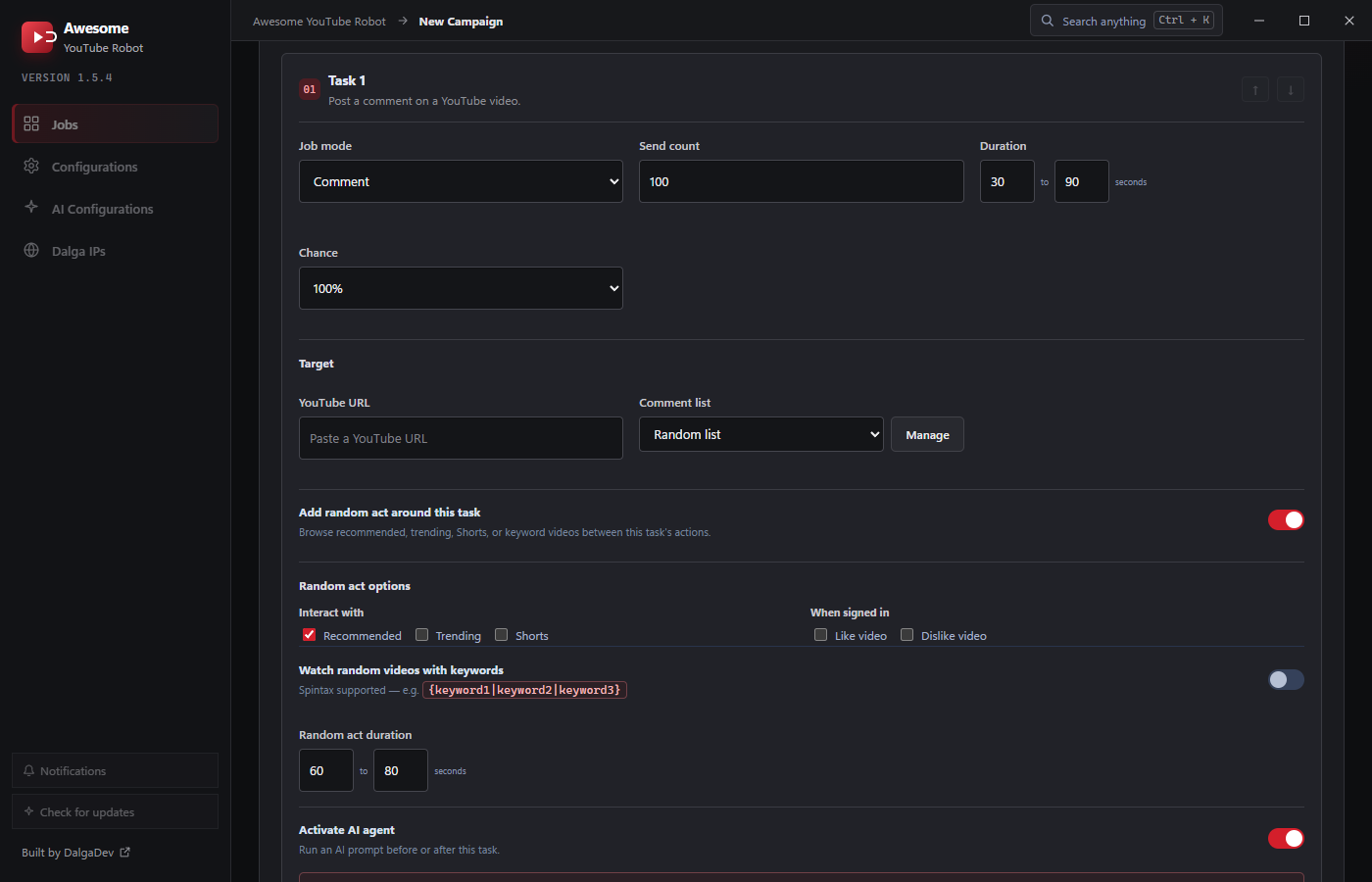
Like
Likes the target YouTube URL. Set Send count, Duration, and Chance like any task.
Comment
Posts a comment on the target video. The comment text is drawn from an assigned Comment list (or Random list). Click Manage on the task to create and edit lists. Vary the wording across a list so comments don't repeat.
Like comments
Likes existing comments on the target video. A subtle engagement signal that also surfaces other people's comments.
Subscribe
Subscribes to the target video's channel. Combine with a warm-up Random act so the account browses before subscribing.
Requirements
- Accounts: engagement needs signed-in accounts. Add them under Manage cookies & accounts on Step 3: Identity, and set Account behavior to Random from campaign accounts or Use in listed order. See Accounts.
- Chance: keep engagement Chance below 100% across a campaign so likes/subscribes arrive gradually and naturally rather than all at once.
Chaining engagement
Because tasks run consecutively, a single campaign can View → Like → Comment → Subscribe the same video with one account per visitor. The most natural pattern. Add each as its own task on Step 1.