Comment Lists
When a task uses the Comment job mode, its text comes from a comment list: a reusable set of comments you manage once and assign to any Comment task.
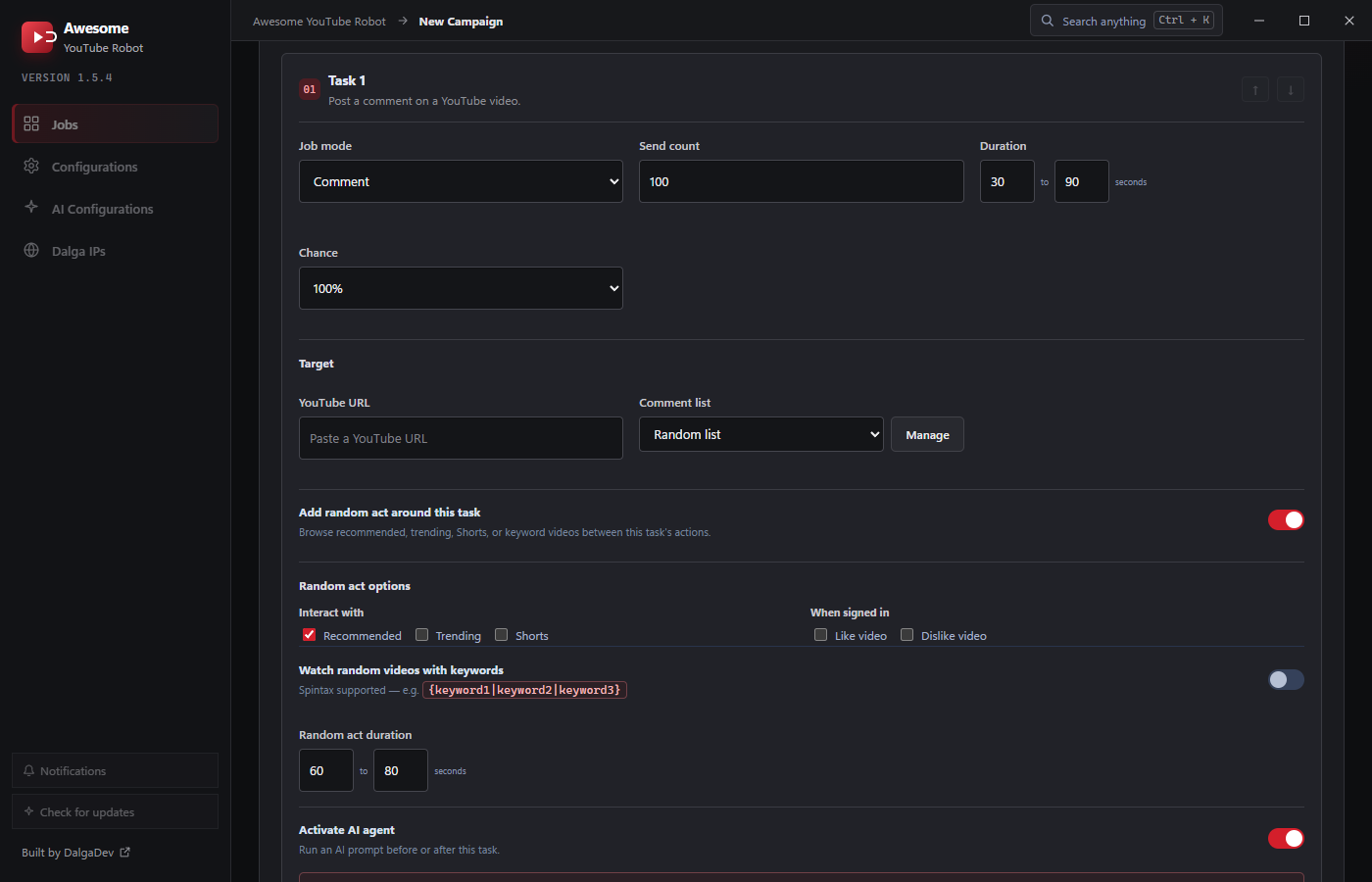
Assigning a list
On a Comment task, the Comment list dropdown picks which list to use, or Random list to draw from your comments at random. Click Manage to open the comments manager.
The comments manager
Inside the manager you build one or more named lists:
- + New starts a list; give it a List name (e.g.
productfeedback). - Comments (one per line): type or paste your comments into the text area, one comment per line. A live counter shows how many you have.
- Import from file: load comments from a
.txtfile (one per line). - Save list / Add list stores it; Delete list removes it.
A list can't be deleted out from under a task. If a Comment task uses it, reassign that task to another list first, or the app will warn you.
Writing good comments
- Variety is everything. A list with many distinct, natural comments avoids the tell-tale pattern of identical text on every video. Draw from a Random list so each visitor posts something different.
- Keep comments relevant to the video's topic; generic "nice video" spam is easy to spot and moderate.
- Maintain several lists (e.g. one per topic) within a campaign and assign the right one to each Comment task.
Where lists live
Comment lists belong to the campaign. They're stored with it and reused across that campaign's Comment tasks. Build a set of lists once, then point each Comment task at the appropriate one (or at Random list). When you want the same comments in another campaign, import them into that campaign's manager. Assignments are saved per task.