Logs
The Logs page shows the application's activity stream; each campaign's own logs are also available from its overview page.
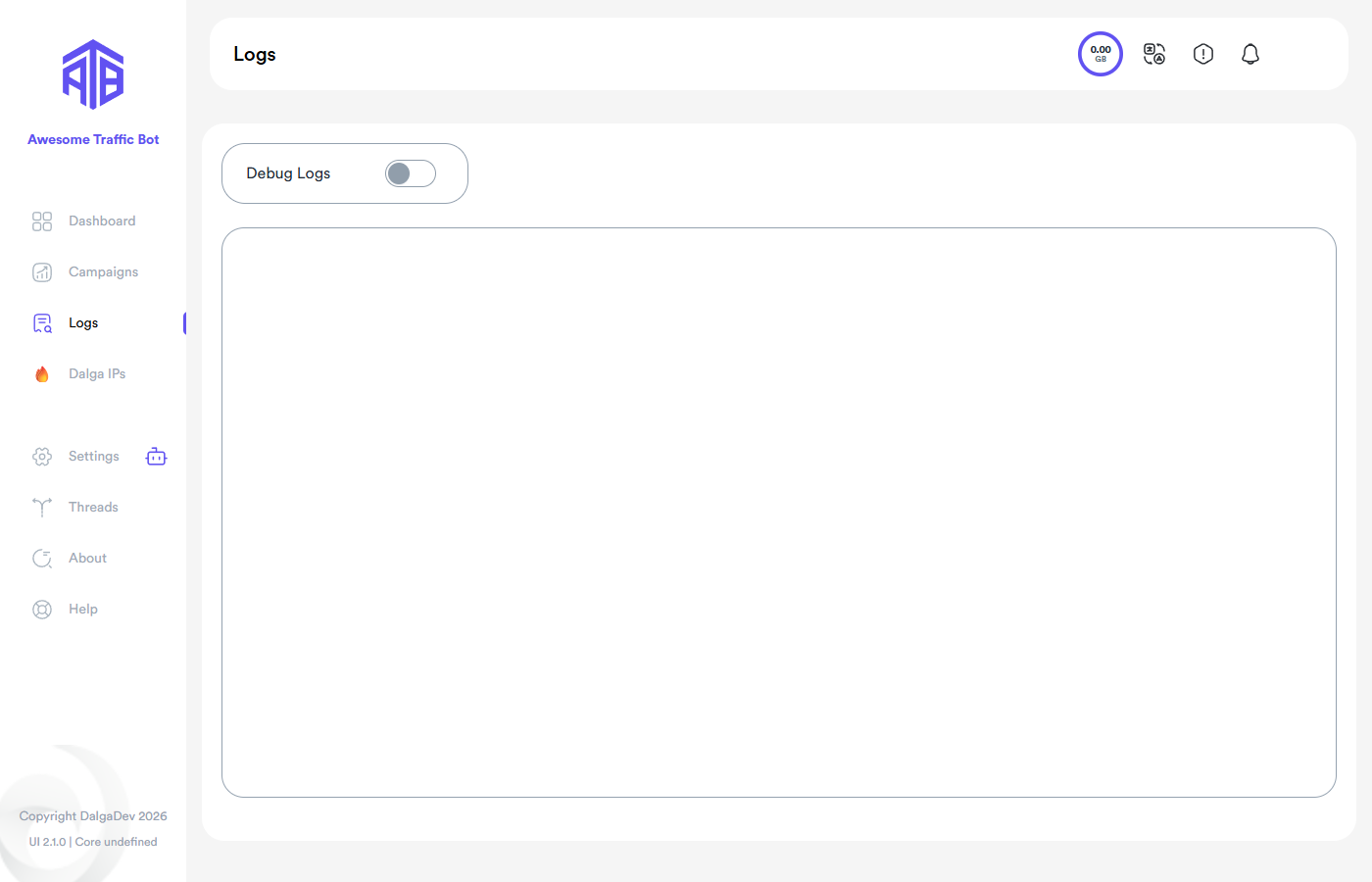
What a log entry contains
- Session — a browsing session's bundle of status changes, identified by an id.
- Status — what happened or is about to happen: searching, clicking the result, visiting other webpages, and so on. AI-driven sessions log the model's steps too.
- IP — the visitor IP at the time of each status change (when Log all activities is on).
Bandwidth note
Logging IPs costs bandwidth — the bot sends an HTTP request to resolve the IP on every status change. If you don't need detailed logs, disable Log all activities in Campaign Settings.
Debug Logs
The Debug Logs toggle at the top surfaces technical details for troubleshooting. For deeper diagnostics there's also Full debugging mode under Settings → Features & Actions.
Cleanup
Old logs are removed by the auto-cleanup job, or manually with Clean Now / Clear actions.