Settings Page
Everything global lives here, in order.
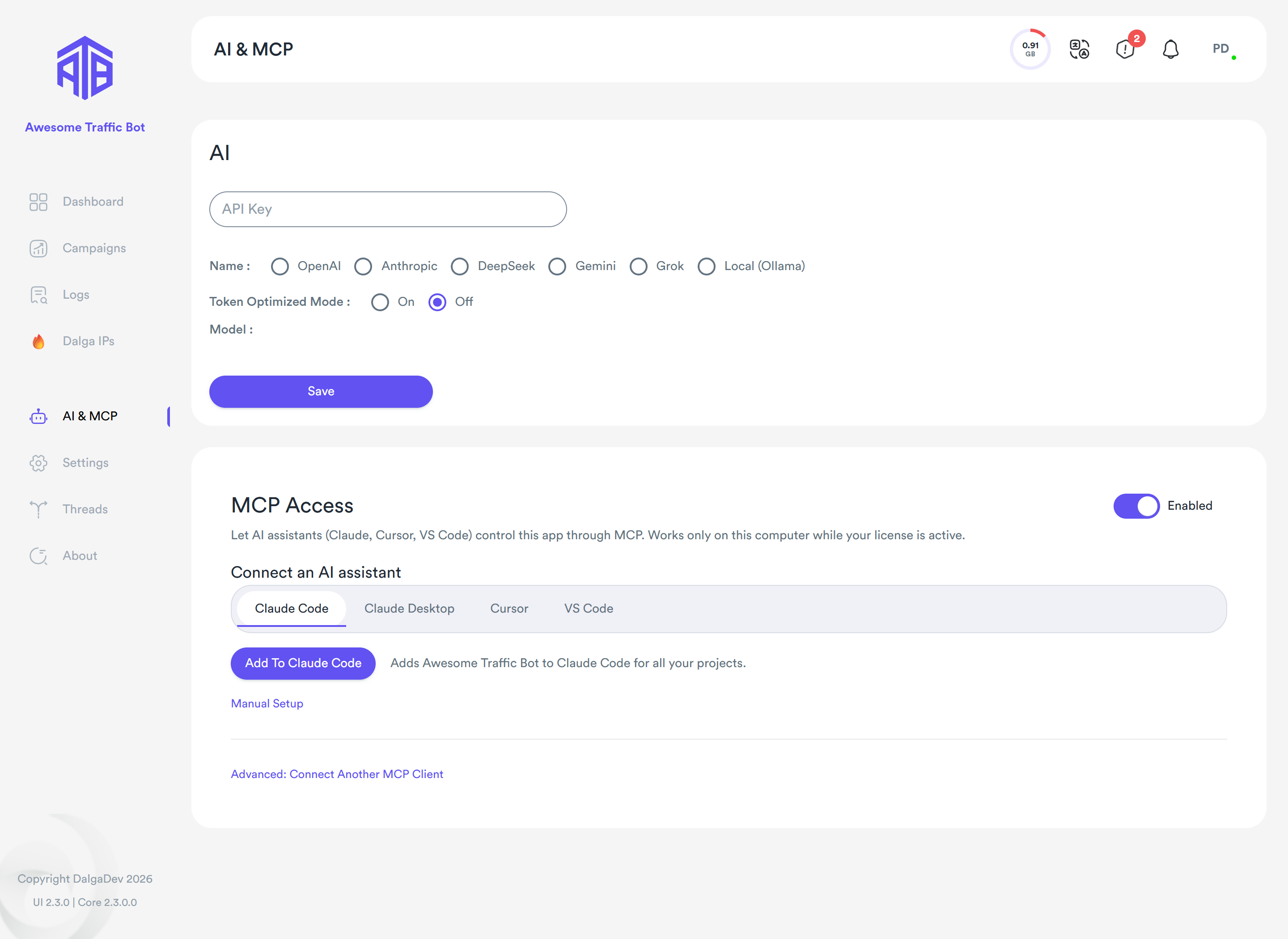
AI settings moved
Since ATB 2.3, the AI provider settings and MCP access have their own AI & MCP tab in the sidebar. See AI & MCP below.
Captcha Solver
Included monthly credits and the optional custom 2Captcha key → Captcha Solver. The card uses the full page width.
Features & Actions
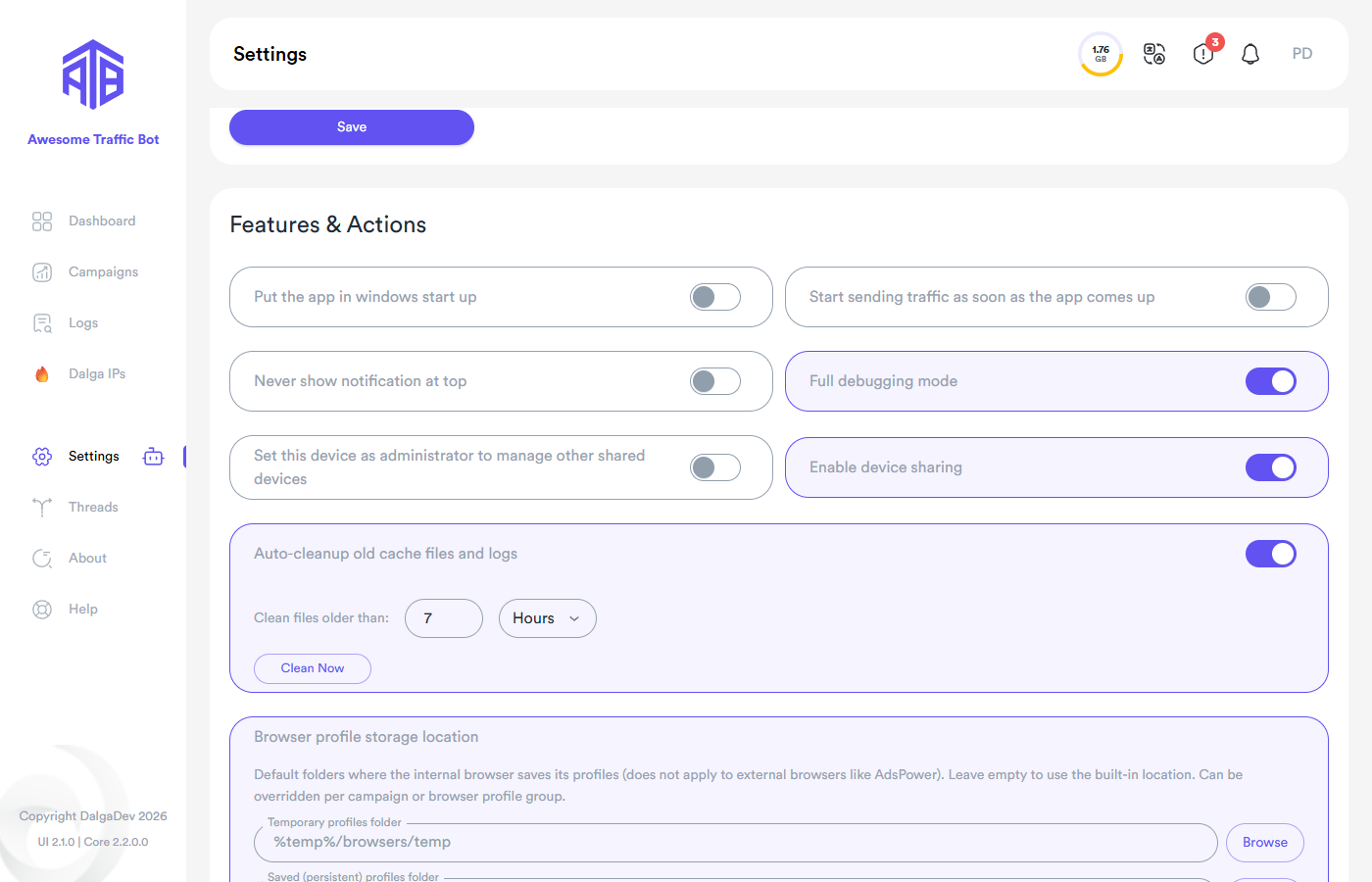
- Put the app in Windows start up — launch ATB with Windows.
- Start sending traffic as soon as the app comes up — auto-start campaigns on launch (pairs well with the previous toggle for unattended servers).
- Never show notification at top — suppress the in-app top notification bar.
- Full debugging mode — verbose technical logging.
- Set this device as administrator / Enable device sharing — multi-device topology → Multi-Device.
- Auto-cleanup old cache files and logs + Clean Now → Housekeeping.
- Browser profile storage location — global temporary/persistent profile folders → Browsers & Profiles.
- Reset And Clear All Campaigns / Clear All Caches — destructive resets.
License
License expiration, key, device name; reactivate with another purchase code or remove this device from the license.
System Status
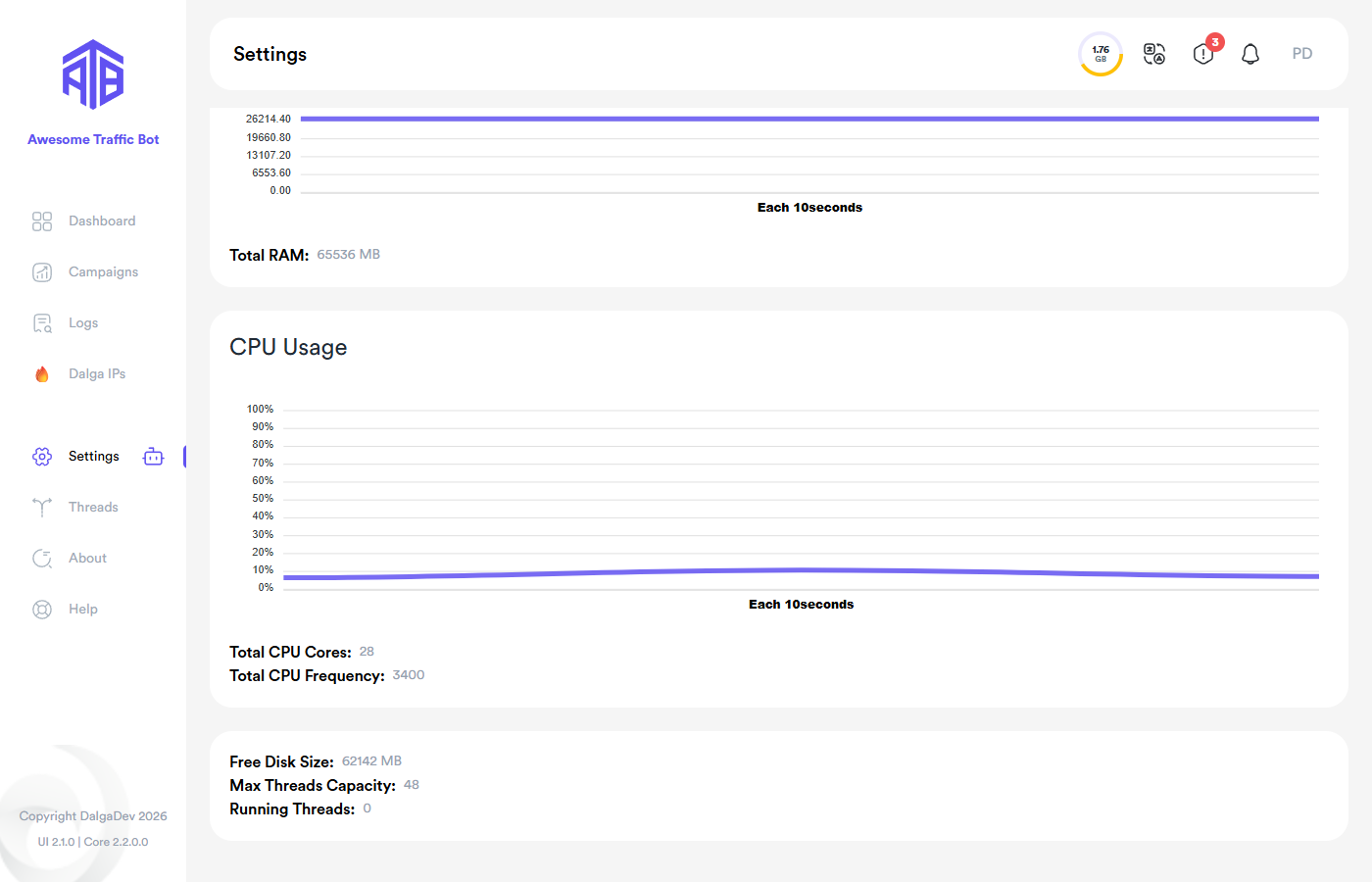
Live RAM and CPU charts (10-second sampling) plus totals: RAM, CPU cores/frequency, free disk, the computed Max Threads Capacity, and current Running Threads — your reference when sizing threads.
AI & MCP
The AI & MCP tab (sidebar, above Settings) holds two cards:
- AI: provider, API key, model, and Token Optimized Mode for all AI features → AI Traffic.
- MCP Access: let AI assistants such as Claude, Cursor, or VS Code control the app → AI Agents (MCP).