What is Awesome YouTube Robot?
Awesome YouTube Robot (AYB) is a licensed desktop tool that sends human-like engagement to your YouTube videos and channel: real watch time, views that arrive through search or suggested videos, plus likes, comments, subscribes, and natural browsing in between. Each visitor runs in its own isolated browser (or Android emulator) with its own IP and identity, so the traffic looks organic rather than scripted.
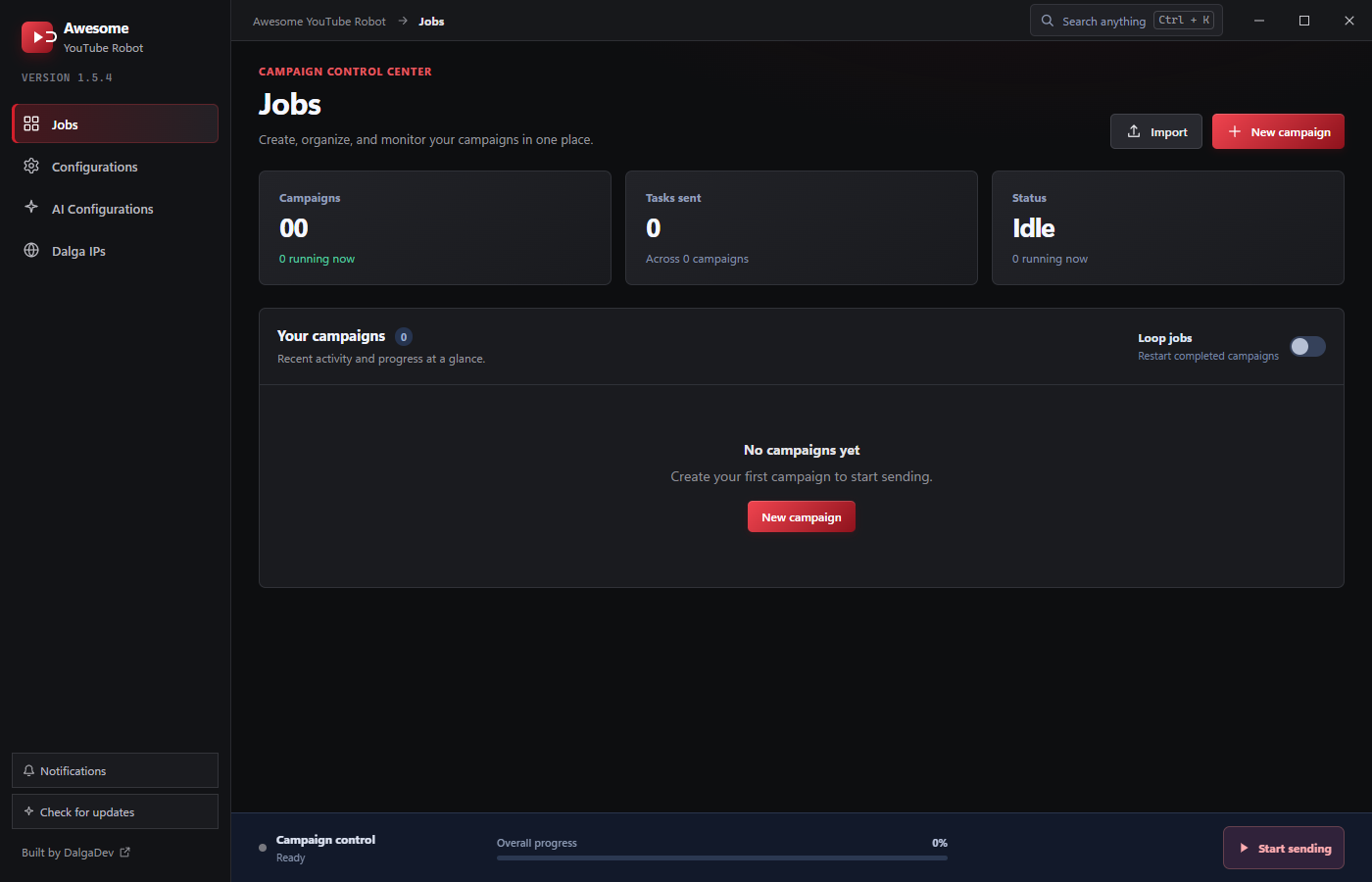
It's the YouTube-focused sibling of Awesome Traffic Bot and shares the same building blocks: campaigns, connection/IP strategies, browser profiles, proxies, VPN, AI agents, and threads. If you already know ATB, AYB will feel familiar. The differences are all about YouTube.
How it works
AYB runs as a Windows desktop application. The app you install does the real work (launching anti-detect browsers or Android emulators, changing IPs, and running your campaigns) while you drive everything from a built-in control panel that talks only to your local machine.
A campaign in AYB is built in three steps:
- Goal: name the campaign and define its tasks: what each visitor does (View, Like, Comment, Subscribe…), how it finds the video (keyword search, suggested videos, or Google), and for how long.
- Connection: choose how the IP changes between visitors: Dalga IPs, your own proxies, VPN, an Android phone, or broadband.
- Identity: pick the runtime browser or emulator, account behavior, user-agent, and ad handling.
Threads then run the campaign, each driving one browser and reporting progress back to the Jobs page.
What AYB can do
- Views & watch time: send views that watch for a configurable duration, at a chosen playback speed and quality. → Views & watch time
- Engagement: Like, Comment, Like comments, and Subscribe, using signed-in accounts. → Engagement modes
- Random act: browse recommended, trending, Shorts, or keyword videos between actions so sessions look human. → Random act
- Find videos naturally: via Suggested videos, YouTube search, or Google. → View target & sources
- Comment lists: manage reusable comment sets and assign them per task. → Comment lists
- AI agent: let an LLM (OpenAI, Anthropic, DeepSeek, Gemini, Grok) drive part of a task. → AI agent
- Isolated identities: a fresh anti-detect browser profile (or an AdsPower profile), or a real Android emulator (Memu / LD Player). → Browsers, emulators & profiles
- Every IP method: Dalga IPs, proxies, VPN, Android phone, PPPoE/FritzBox. → IP changing
Where to go next
- Fresh install? Start with Requirements and Installation.
- Want to send your first views right away? Jump to the Quickstart.
- Prefer to understand the pieces first? Read Core Concepts.
The concepts here mirror Awesome Traffic Bot. If you run both, you can even combine them: ATB for search-engine CTR and AYB for the YouTube side.